
No products
3D Printer Displays
- 3D Printing
- 3D Printers
- 3D Printer Parts
- Nozzles
- Hotends
- Extruders
- Bowden Tubes and Connectors
- Nozzle Wipers
- Filament Cutters
- Build Platforms and Parts
- 3D Printer Motherboards
- 3D Printer Displays
- Power Supply
- Motors and Parts
- Sensors, Limit Switches and Wires
- Fans and Parts
- Belts and Pulleys
- Bearings
- Structural Parts
- Filament Storage and Dryer
- Post Processing Equipment
- Multi Material Systems
- Multi Material Systems Parts
- Enclosure
- Lubricant and Thermal Grease
- Tools
- Print Kits
- Other
- 3D Filaments
- Resins
- 3D Scanners
- 3D Scanner Parts
- Machines and Parts
- CNC
- Manual
- CNC Parts
- Aluminum Extrusion
- Linear Shafts and Parts
- Linear Rails and Blocks
- Lead Screws and Parts
- Ball Screws and Parts
- Racks and Pinions
- Gears
- Bearings
- Couplings
- Belts
- Pulleys
- Belt Pulley Accessories
- Springs
- Screws Nuts Bolts
- Hardware
- CNC Controllers
- CNC Controller Parts
- CNC Motors and Drivers
- Power Supplies
- CNC Wires and Connectors
- Drag Chains
- Sensors and Switches
- Indicators
- Pneumatics, Water and Oil
- Dust Collectors
- Clamps
- Bits
- Plasma
- Lasers
- PLC and HMI
- Other
- Tools
- Power Tools
- Drills
- Rotary & Demolition Hammers
- Grinders
- Jigsaw
- Circular Saw
- Miter Saw
- Table Saw
- Electric Planer
- Trimmer and Router
- Electric Sander
- Electric Polisher
- Marble Cutter
- Cut Off Saw
- Welding Machine
- Air Compressors
- Electric Spray Gun
- High-Pressure Washer
- Air Blower
- Vacuum Cleaner
- Soldering Iron
- Heat Gun
- Glue Guns
- Electric Garden Tools
- Other Power Tools
- Cordless Tools
- Air Tools
- Hand Tools
- Measuring Tools
- Safety Tools
- Tool Accessories
- Power Tools
- Packaging
New products
-
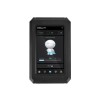
Creality Display Screen Kit for Ender 5 Max
Rs 21,200.00 -
-
Anycubic Kobra 3 Max V2 3D Printer
Anycubic Authorized Reseller 12 Month Warranty Free Islandwide Delivery
Rs 215,000.00 -
Anycubic Photon P1 Max Resin 3D Printer
Anycubic Authorized Reseller 12 Month Warranty Free Islandwide Delivery
Rs 420,000.00 -
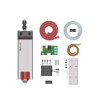
NEJE E40 NEJE01176 12W Diode Laser Module Kit
Rs 67,000.00 -
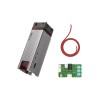
NEJE E30 NEJE01180 7W Diode Laser Module Kit
Rs 45,000.00 -
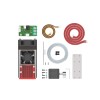
NEJE A40640 NEJE01177 12W Diode Laser Module Kit
Rs 78,500.00 -
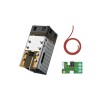
NEJE A40630 NEJE01181 7W Diode Laser Module Kit
Rs 27,500.00 -
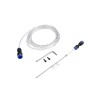
NEJE Air Assist Tubes Kit
Rs 2,000.00 -
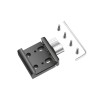
NEJE Focus Height Adjuster Mounting Bracket
Rs 3,500.00 -
-
-
Creality Sprite Extruder SE with Stepper for Ender 3 Series and Ender 5 Series
Original Spare Parts from Creality 3D...
Rs 8,925.00 -15% Rs 10,500.00
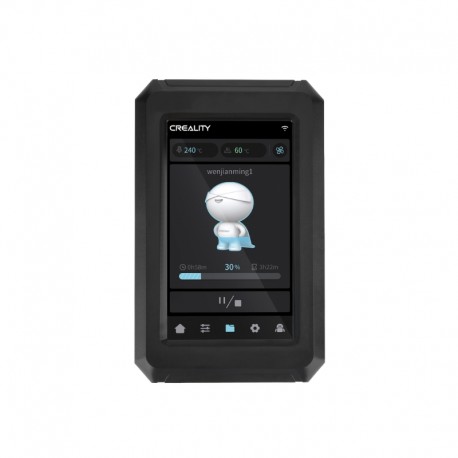
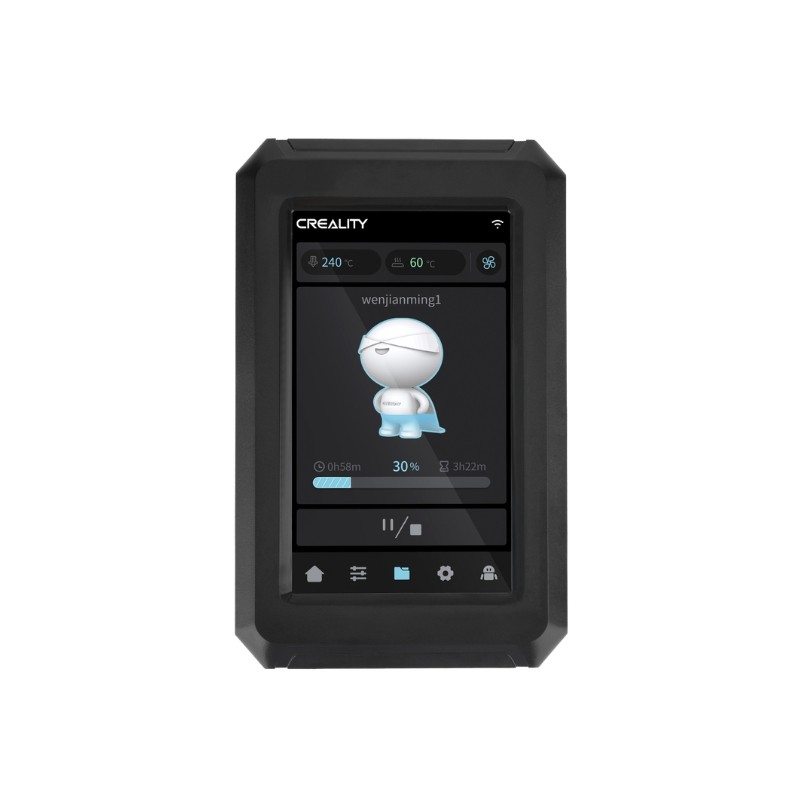
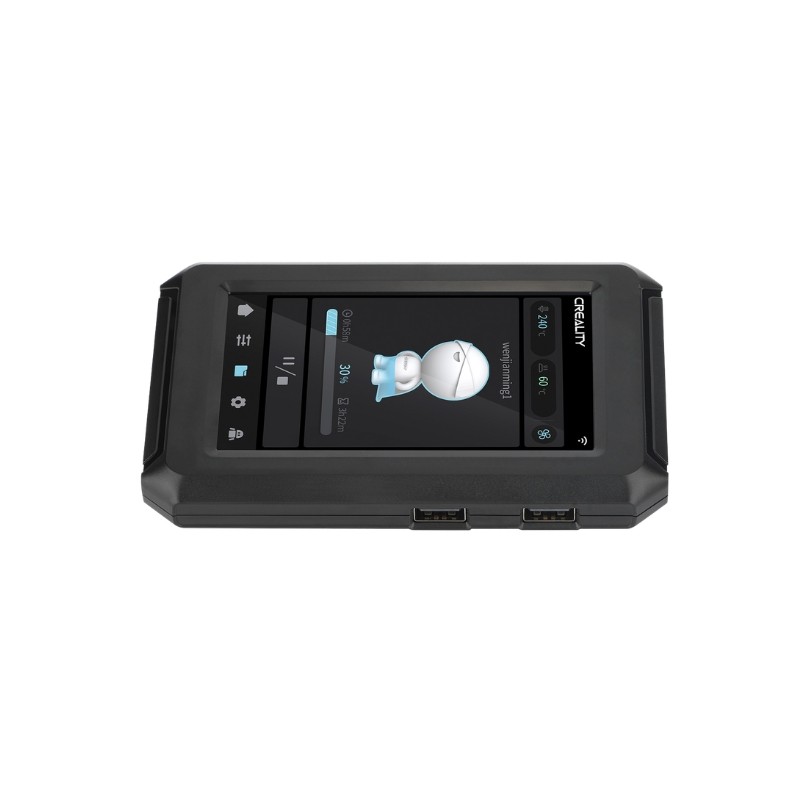
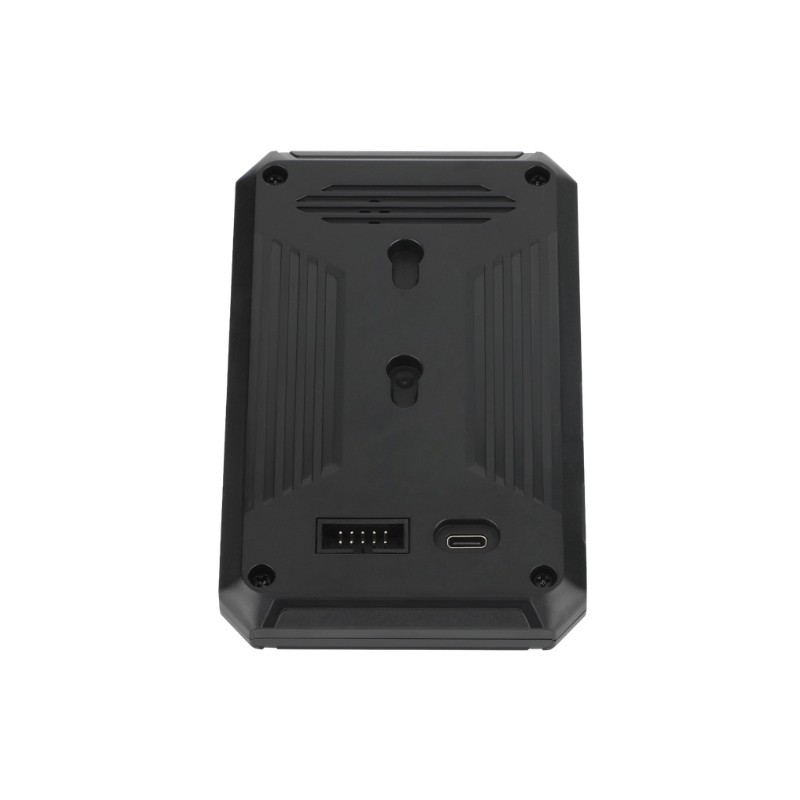
Creality Display Screen Kit for Ender 5 Max
New product
- Remove this product from my favorite's list.
- Add this product to my list of favorites.
More info
The Creality Display Screen Kit for Ender-5 Max is an original replacement touchscreen assembly designed specifically for the Creality Ender-5 Max 3D printer. Featuring a 4.3-inch color touchscreen with 480 × 272 pixel resolution, it provides the printer's main local interface for monitoring printing progress, adjusting settings, and accessing essential operating functions.
Designed to replace a damaged, unresponsive, or malfunctioning original display, the screen restores convenient touchscreen control without requiring modifications to the printer's original control system. Its compact housing and dedicated connection interface are designed for integration with the Ender-5 Max's factory mounting arrangement.
Identified by Creality manufacturer part number 4001050093, this display kit is suitable for maintenance and repair of the Ender-5 Max, helping restore normal operation when the existing touchscreen assembly develops a confirmed fault.
Key Features
Original Creality Replacement Part: Manufacturer part number 4001050093, designed for the Ender-5 Max.
4.3-Inch Color Touchscreen: Provides a clear visual interface for printer operation and monitoring.
480 × 272 Pixel Resolution: Displays printer menus, operating information, and printing status.
Responsive Touch Control: Allows direct navigation and adjustment of supported printer functions.
Real-Time Print Monitoring: Displays printing progress, temperatures, and relevant job information.
Model-Specific Compatibility: Designed to work with the original Ender-5 Max control electronics and mounting arrangement.
Convenient Replacement: Restores the original display functionality without changing the printer's mainboard or other hardware.
Integrated Display Housing: Supplied as a replacement touchscreen unit for the factory display assembly.
4.3-Inch Color Touchscreen
The Ender-5 Max uses a 4.3-inch touchscreen as its primary local control interface.
The screen allows users to access the printer's operating functions without relying entirely on computer software or network-based control.
Its graphical interface provides convenient access to:
Printer status and operating information
Nozzle and heated-bed temperature monitoring
Print job selection and control
Printing progress and remaining-time information
Filament loading and unloading functions
Calibration and leveling procedures
Printer settings and system information
The 480 × 272 resolution provides sufficient display detail for the printer's menus, graphical controls, and operating information.
As an original replacement component, the screen is intended to restore the factory interface rather than introduce additional display features or new printer capabilities.
Original Ender-5 Max Control Interface
The display communicates with the printer's control electronics through its dedicated screen connection.
During operation, the touchscreen provides access to supported printer functions while displaying information received from the printer's control system.
The interface works with the Ender-5 Max's original firmware and supports the printer's existing operating functions.
These include temperature control, print management, filament operations, calibration menus, and system configuration.
Important: The touchscreen is a user-interface component, not a replacement mainboard. Wi-Fi connectivity, motion control, heating regulation, and other printer functions depend on the corresponding control electronics and firmware.
Technical Specifications
| Specification | Details |
|---|---|
| Brand | Creality |
| Product Name | Ender-5 Max Touch Screen Kit |
| Manufacturer Part Number | 4001050093 |
| Product Type | Replacement Display Screen Assembly |
| Display Size | 4.3 Inches |
| Display Type | Color Touchscreen |
| Display Resolution | 480 × 272 Pixels |
| Control Method | Touch Interface |
| Display Functions | Print Monitoring, Menu Navigation and Printer Control |
| Connection | Original Ender-5 Max Screen Interface |
| Housing | Integrated Display Enclosure |
| Compatible Printer | Creality Ender-5 Max |
| Manufacturer Net Weight | Approx. 165g |
| Manufacturer Gross Package Weight | Approx. 210g |
| Manufacturer Package Dimensions | 215 × 140 × 55mm |
Compatibility
This display screen kit is specifically designed for:
Creality Ender-5 Max
The original mounting arrangement and electrical interface are intended for the Ender-5 Max printer platform.
Although several Creality printers use similarly sized touchscreens, their display electronics, connectors, firmware, and mounting systems may differ.
This kit should not be assumed interchangeable with displays used by:
Creality Ender-5 / Ender-5 Pro
Creality Ender-5 Plus
Creality K1 / K1 Max / K1C
Creality Ender-3 V3 Series
Creality K2 Series
Confirm the original display model and connection arrangement before ordering.
When to Replace the Display Screen
A replacement display may be necessary when the original touchscreen develops problems such as:
Cracked or physically damaged screen
Unresponsive touch controls
Blank display despite correct printer operation
Intermittent screen operation
Display image distortion or abnormal colors
Touchscreen functions failing to register correctly
However, similar symptoms can result from a loose screen cable, damaged connector, firmware issue, or a fault in the printer's control electronics.
Inspect these components before concluding that the touchscreen requires replacement.
Installation and Replacement
Creality provides an official Ender-5 Max touchscreen replacement tutorial for servicing the display assembly.
A typical replacement procedure involves:
Switch off the printer and disconnect the power supply.
Allow the printer to cool completely.
Carefully remove the original screen from its mounting bracket.
Disconnect the screen cable without pulling directly on the wires.
Inspect the connector and cable for visible damage.
Connect the replacement display using the correct screen interface.
Secure the replacement screen in the original mounting position.
Reconnect power and verify that the display starts correctly.
Check touchscreen operation, menu navigation, and printer status information.
Important: Never connect or disconnect the touchscreen while the printer is powered. Ensure the screen cable is correctly seated before switching on the machine.
If the replacement screen does not operate correctly, check the cable, firmware compatibility, and printer control electronics before attempting further repairs.
Package Includes
1 × Original Creality Ender-5 Max Display Screen Kit – 4001050093
Additional mounting hardware or replacement cables should not be assumed included unless confirmed with the supplied package. Existing compatible mounting components can be reused where appropriate.
Usage Note
This is the original Creality 4001050093 Display Screen Kit, featuring a 4.3-inch color touchscreen with 480 × 272 resolution, designed specifically for the Ender-5 Max.
It is intended to replace the printer's existing touchscreen assembly, not upgrade the printer to a different display system. Confirm that the original screen or its connection is responsible for the fault before replacement.
16 other products in the same category:
-

Reprap...
Rs 10,500.00
-

Creality...
Rs 6,900.00
-

2004 LCD...
Rs 2,900.00
-

12864 LCD...
Rs 4,000.00
-
Creality...
Rs 7,800.00
-
Anycubic...
Rs 29,000.00
-

Bambu Lab...
Rs 16,500.00
-

Makerbase...
Rs 5,400.00
-

Makerbase...
Rs 5,500.00
-

Makerbase...
Rs 15,000.00
-
Anycubic...
Rs 10,000.00
-
Anycubic...
Rs 29,000.00
-
Anycubic...
Rs 69,000.00
-
Anycubic...
Rs 3,000.00
-
Anycubic...
Rs 3,200.00
-
Anycubic...
Rs 3,400.00