

No products
CO2 Laser Controllers
- 3D Printing
- 3D Printers
- 3D Printer Parts
- Nozzles
- Hotends
- Extruders
- Bowden Tubes and Connectors
- Nozzle Wipers
- Filament Cutters
- Build Platforms and Parts
- 3D Printer Motherboards
- 3D Printer Displays
- Power Supply
- Motors and Parts
- Sensors, Limit Switches and Wires
- Fans and Parts
- Belts and Pulleys
- Bearings
- Structural Parts
- Filament Storage and Dryer
- Post Processing Equipment
- Multi Material Systems
- Multi Material Systems Parts
- Enclosure
- Lubricant
- Tools
- Print Kits
- Other
- 3D Filaments
- Resins
- 3D Scanners
- 3D Scanner Parts
- Machines
- CNC
- Manual
- CNC Parts
- Aluminum Extrusion
- Linear Shafts and Parts
- Linear Rails and Blocks
- Lead Screws and Nuts
- Ball Screws and Nuts
- Racks and Pinions
- Gears
- Bearings
- Couplings
- Belts
- Pulleys
- Belt Pulley Accessories
- Springs
- Screws Nuts Bolts
- Hardware
- CNC Controllers
- CNC Controller Parts
- CNC Motors and Drivers
- Power Supplies
- CNC Wires and Connectors
- Drag Chains
- Sensors and Switches
- Indicators
- Pneumatics, Water and Oil
- Dust Collectors
- Clamps
- Bits
- Plasma
- Lasers
- PLC and HMI
- Other
- Tools
- Power Tools
- Drills
- Rotary & Demolition Hammers
- Grinders
- Jigsaw
- Circular Saw
- Miter Saw
- Table Saw
- Electric Planer
- Trimmer and Router
- Electric Sander
- Electric Polisher
- Marble Cutter
- Cut Off Saw
- Welding Machine
- Air Compressors
- Electric Spray Gun
- High-Pressure Washer
- Air Blower
- Vacuum Cleaner
- Soldering Iron
- Heat Gun
- Glue Guns
- Electric Garden Tools
- Other Power Tools
- Cordless Tools
- Air Tools
- Hand Tools
- Measuring Tools
- Safety Tools
- Tool Accessories
- Power Tools
- Packaging
New products
-
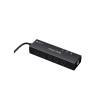
AlgoLaser Smart Hub for Laser Engravers
Rs 12,500.00 -
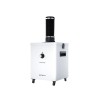
AlgoLaser Smoke Purifier for Laser Engravers
Rs 72,500.00 -
-
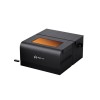
AlgoLaser Smart Enclosure for Laser Engravers
Rs 44,000.00 -
AlgoLaser Smart Camera for Laser Engravers
Rs 23,500.00 -
-
NIIMBOT N1 Thermal Transfer Label and Ribbon Printer
Rs 10,500.00 -
-
-
-
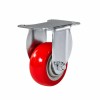
Flat Castor Wheel 75mm Red
Rs 1,750.00 -
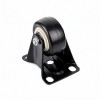
Flat Castor Wheel 50mm Black
Rs 1,150.00
-

ANTINSKY PLA+HS 3D Printer Filament 1.75mm 1kg
Rs 4,100.00 Rs 4,500.00
LightBurn Software - LightBurn Pro License Key
ZSP103351
- Remove this product from my favorite's list.
- Add this product to my list of favorites.
More info
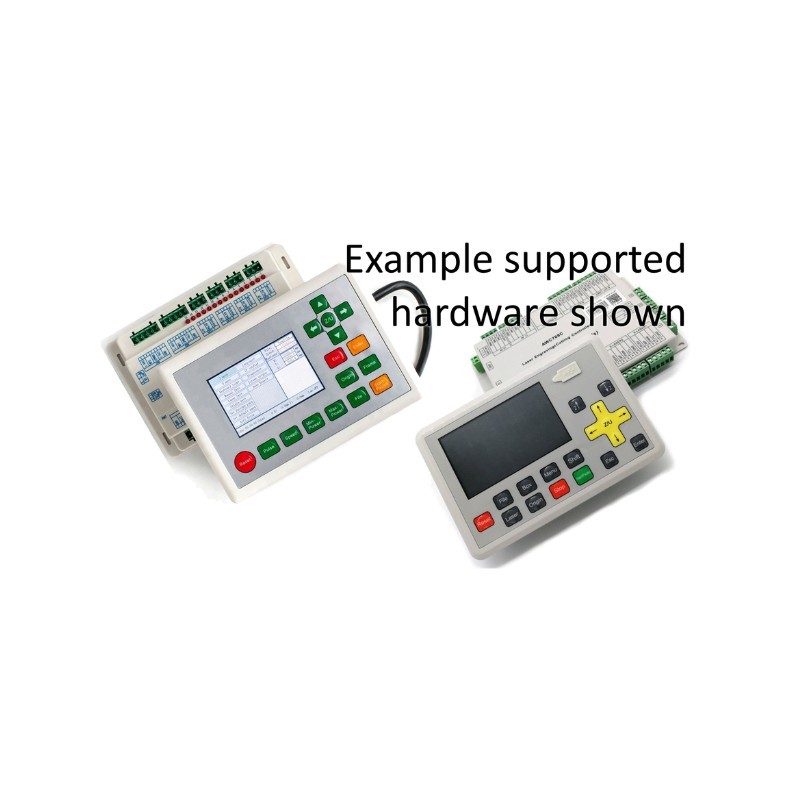
LightBurn Pro is the complete version of LightBurn, offering full compatibility across all major laser controller types. It is designed for users who work with multiple machines or advanced laser systems, providing a single, powerful platform for design and machine control.
Key Features
- Full Controller Compatibility
Supports all major laser systems including:- GCode controllers: GRBL, Marlin, Smoothieware, Cohesion3D, Grbl-LPC
- DSP controllers: Ruida, Trocen, TopWisdom
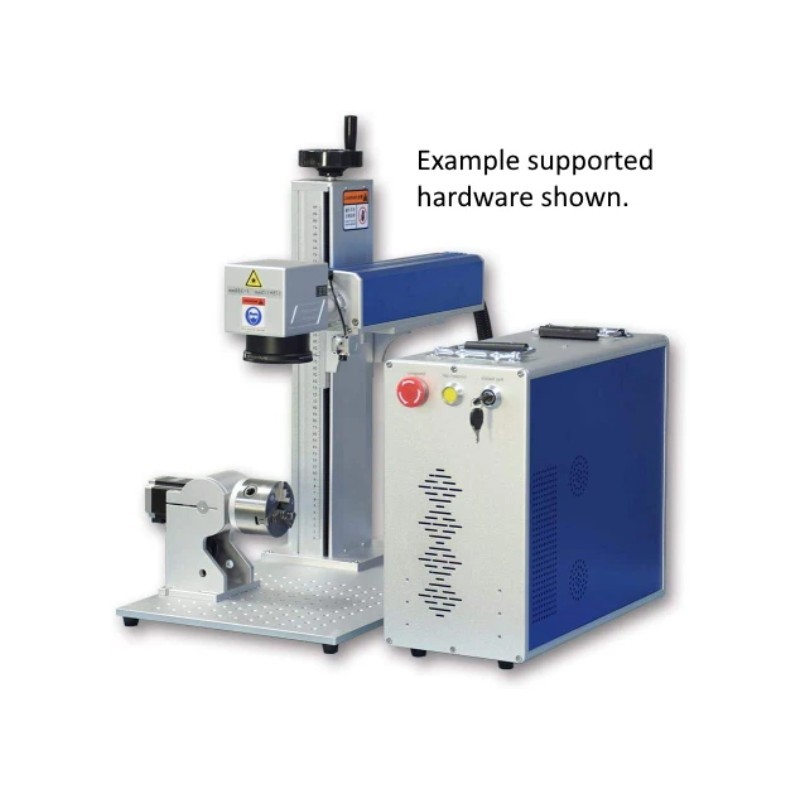
- Galvo systems: EZCad2-based fiber, CO₂, and UV lasers
- All-in-One Software Solution
Design, edit, and control your laser jobs from one interface without needing additional software. - Advanced Design and Editing Tools
Includes vector drawing, node editing, image tracing, text tools, and layout controls. - Layer-Based Job Control
Set different speed, power, and operation settings per layer for precise engraving and cutting. - Powerful Image Processing
Supports dithering, grayscale conversion, and image optimization for engraving. - Real-Time Preview and Control
View job paths before execution to minimize errors and material waste. - USB Connectivity for Galvo Systems
Direct connection support for EZCad2-based laser machines via USB. - Cross-Platform Support
Compatible with Windows, macOS, and Linux systems.
License Details
- License Type: Perpetual (one-time purchase)
- Device Limit: Up to 3 computers
- Free Updates: 1 year included
- Post-Update: Software remains usable after 1 year, optional renewal for updates
Applications
Ideal for users operating multiple laser types including diode, CO₂, and fiber lasers. Suitable for engraving, cutting, marking, and industrial applications requiring a unified and powerful control software.
Why Choose LightBurn?
Intuitive, powerful UI built for laser users
Regular software updates and active community
Multi-platform support (Windows, Mac, Linux)
Streamlined workflow: Design → Adjust → Burn
Trusted by professionals and hobbyists worldwide
LightBurn License – Frequently Asked Questions
Q: Is the LightBurn license a subscription?
No. LightBurn is a perpetual license, not a subscription. You pay once and can use the software forever with your license key.
Q: How many computers can I install LightBurn on?
Each license includes 3 seats, meaning it can be installed on up to 3 computers at the same time, even across different operating systems (Windows, macOS, Linux).
Q: Can I move my license to a new computer?
Yes. You can deactivate the license on an old computer and activate it on a new one.
To deactivate:
Open LightBurn
Go to Help > License Management
Click Deactivate
This frees up a seat for reuse. If you no longer have access to the old device (e.g. sold or damaged), LightBurn support can help remove it.
Q: Can I manage activations myself?
Yes. LightBurn provides a license management portal that allows you to view and manage which computers are currently using your license. Instructions are available on their official documentation site.
Q: Can I share or resell the license?
You may transfer the license with your laser machine if you sell it, but you cannot sell only part of the license (e.g., one seat out of three).
Q: Does the license ever expire?
Your license key includes 1 year of free updates from the date of activation.
After that year, your current version continues working forever.
You can continue using any version released before the license expiration date.
Newer versions will not work unless you renew your update period.
Q: How much does it cost to renew updates?
A 1-year update renewal costs will be around $30 USD.
If you renew before your current license expires, you’ll receive an extra 2 months free.
Q: What if my hard drive fails or I lose access to a device?
If you can’t deactivate LightBurn due to hardware failure or other issues, contact LightBurn support with your license key. They can help remove that machine from your license manually.
Q: I bought LightBurn from another reseller. How do I manage the license?
If your license was purchased through another vendor, you may need to assign your name and email to the key for self-service management. Email your key, name, and email to:
support@lightburnsoftware.com
7 other products in the same category:
-
RUIDA...
Rs 108,000.00
-

M3 Nano CNC...
Rs 22,000.00
-
Display...
Rs 45,500.00
-
RUIDA...
Rs 119,000.00
-
LightBurn...
Rs 30,000.00
-
RUIDA...
Rs 110,000.00
-
Display...
Rs 45,500.00